OS 환경 : CentOS 7
DB 환경 : Oracle 11.2.0.4 SE
설치파일
p13390677_112040_Linux-x86-64_1of7.zip
p13390677_112040_Linux-x86-64_2of7.zip
오라클 설치 전 OS 사전 설정
/etc/hosts 수정
# IP 추가

[root@host01 ~]# vi /etc/hosts

{IP}	{hostname}
OS 패키지 설치
[root@host01 ~]#

yum install binutils -y
yum install compat-libstdc++-33 -y
yum install compat-libstdc++-33.i686 -y
yum install gcc -y
yum install gcc-c++ -y
yum install glibc -y
yum install glibc.i686 -y
yum install glibc-devel -y
yum install glibc-devel.i686 -y
yum install ksh -y
yum install libgcc -y
yum install libgcc.i686 -y
yum install libstdc++ -y
yum install libstdc++.i686 -y
yum install libstdc++-devel -y
yum install libstdc++-devel.i686 -y
yum install libaio -y
yum install libaio.i686 -y
yum install libaio-devel -y
yum install libaio-devel.i686 -y
yum install libXext -y
yum install libXext.i686 -y
yum install libXtst -y
yum install libXtst.i686 -y
yum install libX11 -y
yum install libX11.i686 -y
yum install libXau -y
yum install libXau.i686 -y
yum install libxcb -y
yum install libxcb.i686 -y
yum install libXi -y
yum install libXi.i686 -y
yum install make -y
yum install sysstat -y
yum install unixODBC -y
yum install unixODBC-devel -y
yum install zlib-devel -y
yum install elfutils-libelf-devel -y
yum install psmisc -y
유저 및 그룹추가
[root@host01 ~]# groupadd dba
[root@host01 ~]# useradd -g dba oracle
[root@host01 ~]# passwd oracle
oracle 사용자의 비밀 번호 변경 중
새  암호:
잘못된 암호: 암호는 8 개의 문자 보다 짧습니다
새  암호 재입력:
passwd: 모든 인증 토큰이 성공적으로 업데이트 되었습니다.
커널파라미터
# /etc/sysctl.conf 파일을 열어 아래 내용 추가

[root@host01 ~]# vi /etc/sysctl.conf

# Controls the maximum shared segment size, in bytes
kernel.shmmax = 68719476736
# Controls the maximum number of shared memory segments, in pages
kernel.shmall = 10523004
kernel.shmmni = 4096
# semaphores: semmsl, semmns, semopm, semmni
kernel.sem = 250 32000 100 128
fs.aio-max-nr = 1048576
fs.file-max = 6815744
net.ipv4.ip_local_port_range = 9000 65500
net.core.rmem_default=262144
net.core.rmem_max=4194304
net.core.wmem_default=262144
net.core.wmem_max=1048586
# 적용
[root@host01 ~]# /sbin/sysctl -p
kernel.shmmax = 68719476736
kernel.shmall = 10523004
kernel.shmmni = 4096
kernel.sem = 250 32000 100 128
fs.aio-max-nr = 1048576
fs.file-max = 6815744
net.ipv4.ip_local_port_range = 9000 65500
net.core.rmem_default = 262144
net.core.rmem_max = 4194304
net.core.wmem_default = 262144
net.core.wmem_max = 1048586
유저 리소스 제한 설정
# 아래 내용 추가

[root@host01 ~]# vi /etc/security/limits.conf

oracle           soft    nproc           2047
oracle           hard    nproc           16384
oracle           soft    nofile          4096
oracle           hard    nofile          65536
oracle           soft    stack           10240
서버 자원 사용 제한 설정
# 내용추가

[root@host01 ~]# vi /etc/pam.d/login

session    required     pam_limits.so	--추가
selinux 설정 (permissive)
[root@host01 ~]# vi /etc/selinux/config

#SELINUX=enforcing
SELINUX=permissive --변경
setenforce Permissive
방화벽 비활성화
[root@host01 ~]# systemctl stop firewalld
[root@host01 ~]# systemctl disable firewalld
디렉토리 생성 후 권한부여
[root@host01 ~]# mkdir -p /u01/app/oracle/product/11g/db_1
[root@host01 ~]# chown -R oracle:dba /u01
[root@host01 ~]# chmod -R 775 /u01
오라클 유저 환경변수 설정
# 아래 내용 추가

[root@host01 ~]# vi /home/oracle/.bash_profile

# Oracle Settings
export TMP=/tmp
export TMPDIR=$TMP

export ORACLE_HOSTNAME=host01
export ORACLE_BASE=/u01/app/oracle
export ORACLE_HOME=$ORACLE_BASE/product/11g/db_1
export ORACLE_SID=orcl
export PATH=/usr/sbin:$PATH
export PATH=$ORACLE_HOME/bin:$PATH

export LD_LIBRARY_PATH=$ORACLE_HOME/lib:/lib:/usr/lib
export CLASSPATH=$ORACLE_HOME/JRE:$ORACLE_HOME/jlib:$ORACLE_HOME/rdbms/jlib
설치파일 압축 해제
# unzip 패키지 설치(root)
[root@host01 ~]# yum install -y unzip

# 설치파일 해제(oracle)
[oracle@host01 setup]$ unzip p13390677_112040_Linux-x86-64_1of7.zip
[oracle@host01 setup]$ unzip p13390677_112040_Linux-x86-64_2of7.zip
오라클 엔진 설치
[oracle@host01 setup]$ cd database/
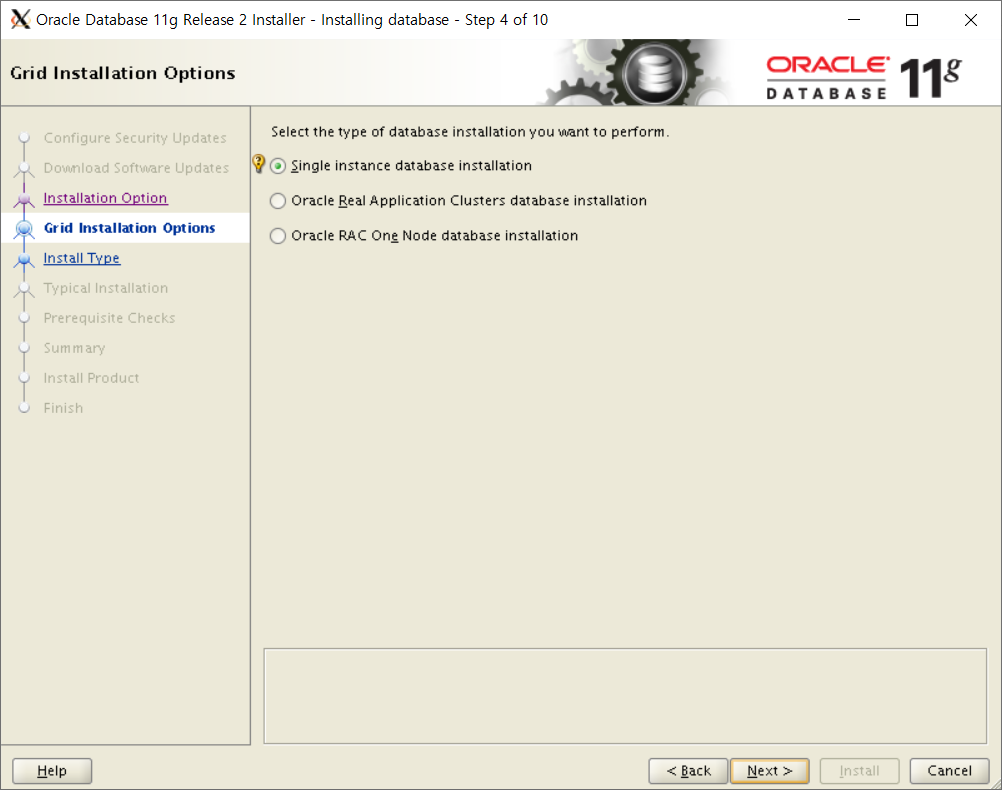
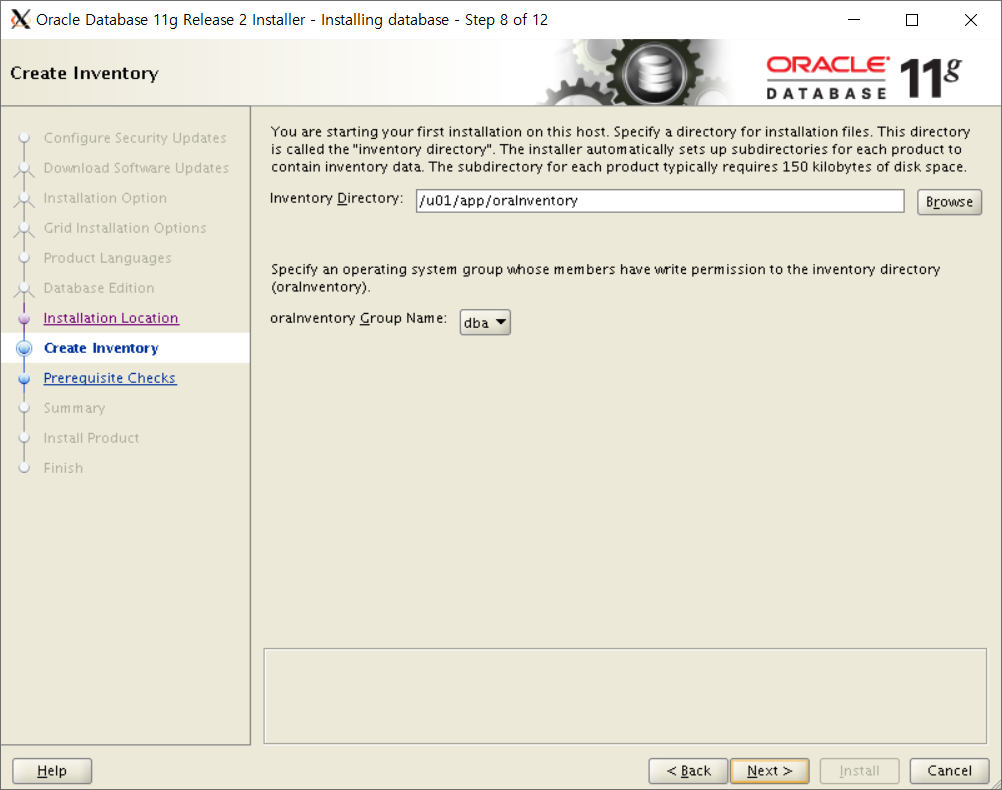
[oracle@host01 database]$ ./runInstaller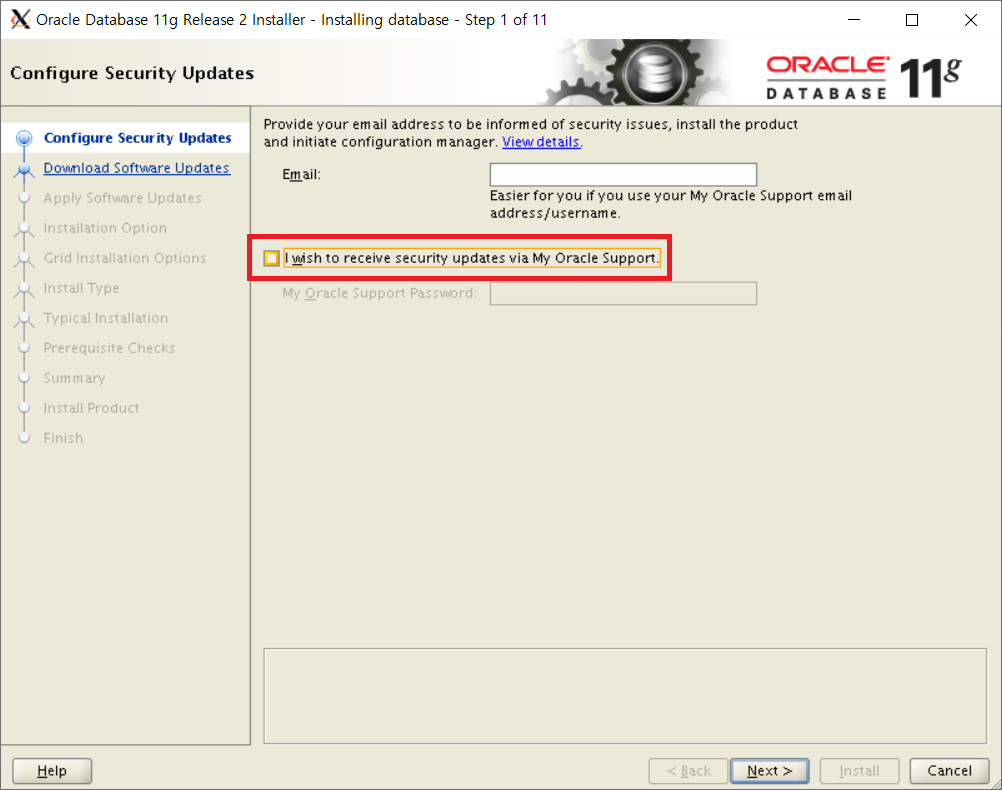
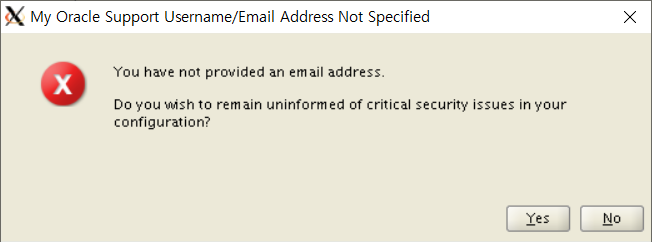




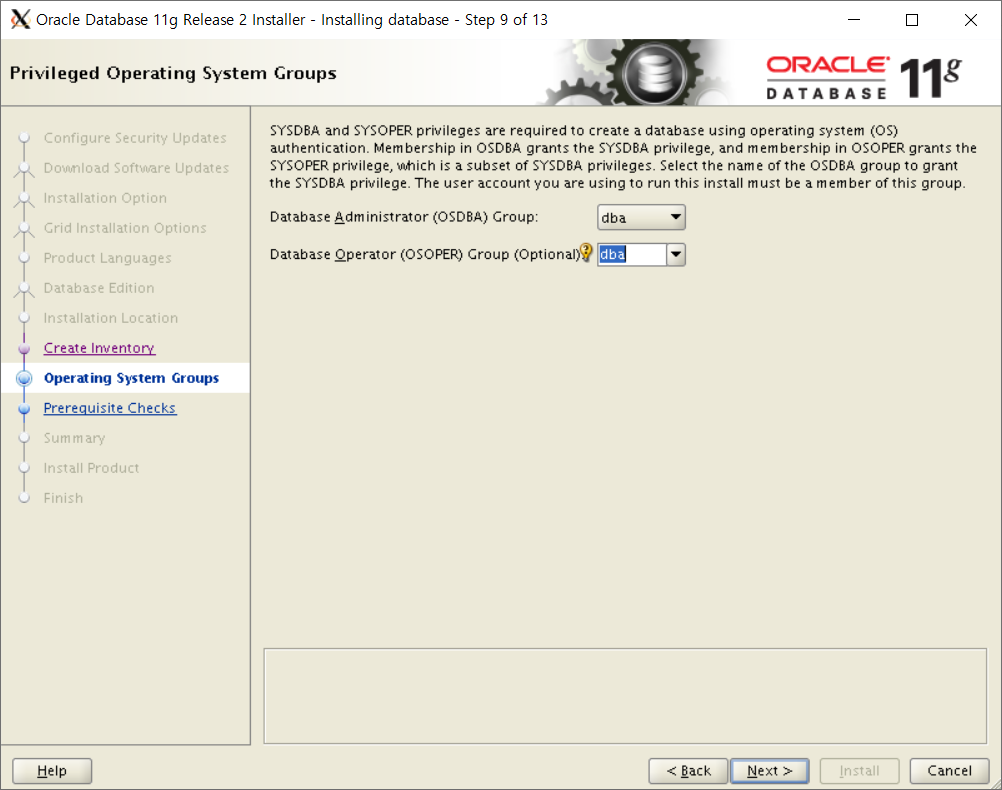

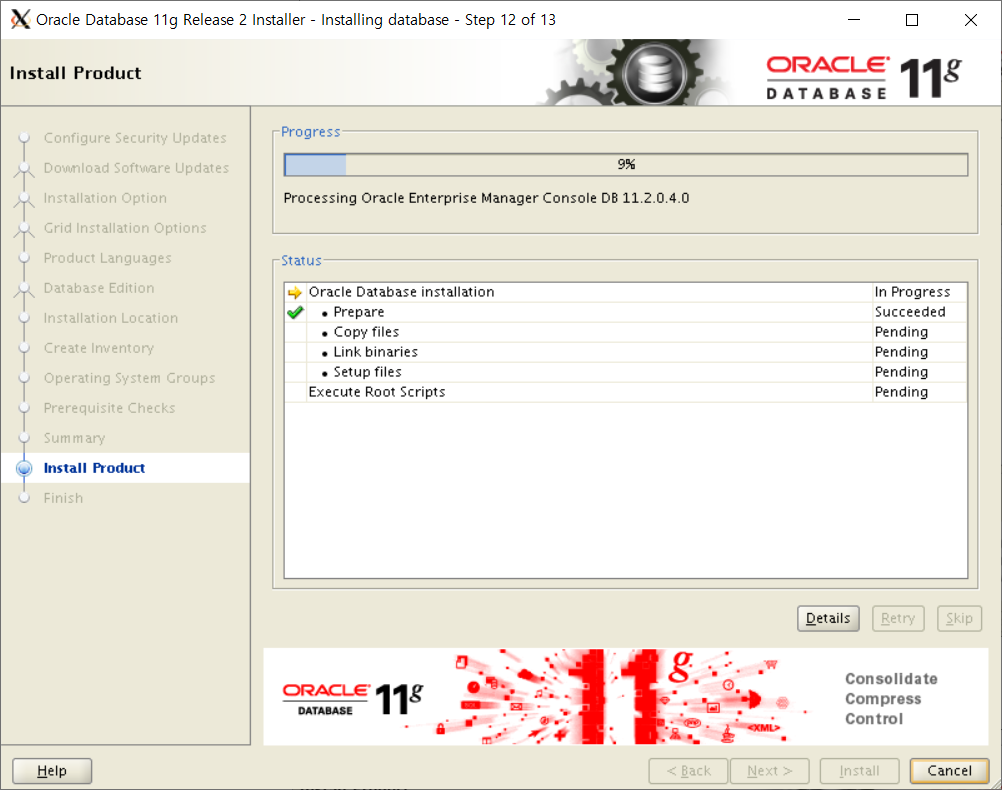
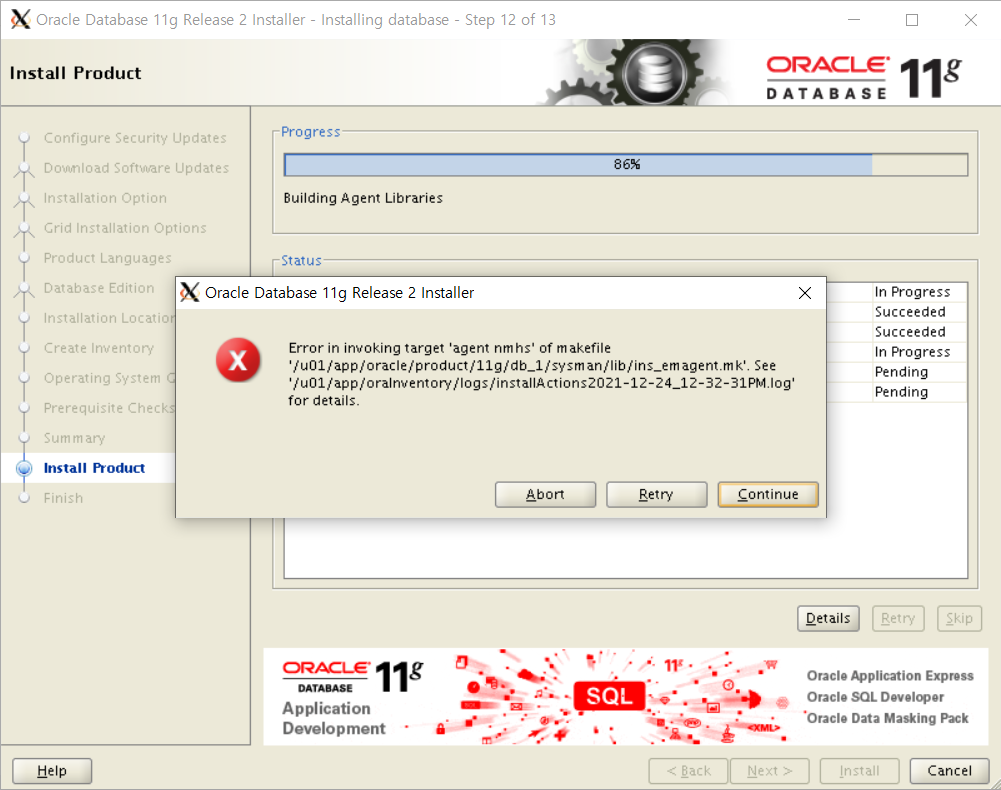
위 에러 경로로 이동
$(SYSMANBIN) emdctl:
$(MK_EMAGENT_NMECTL)
# 위 구분을 찾아 -lnnz11 추가
[oracle@host01 ~]$ vi /u01/app/oracle/product/11g/db_1/sysman/lib/ins_emagent.mk

$(SYSMANBIN)emdctl:
        $(MK_EMAGENT_NMECTL) -lnnz11
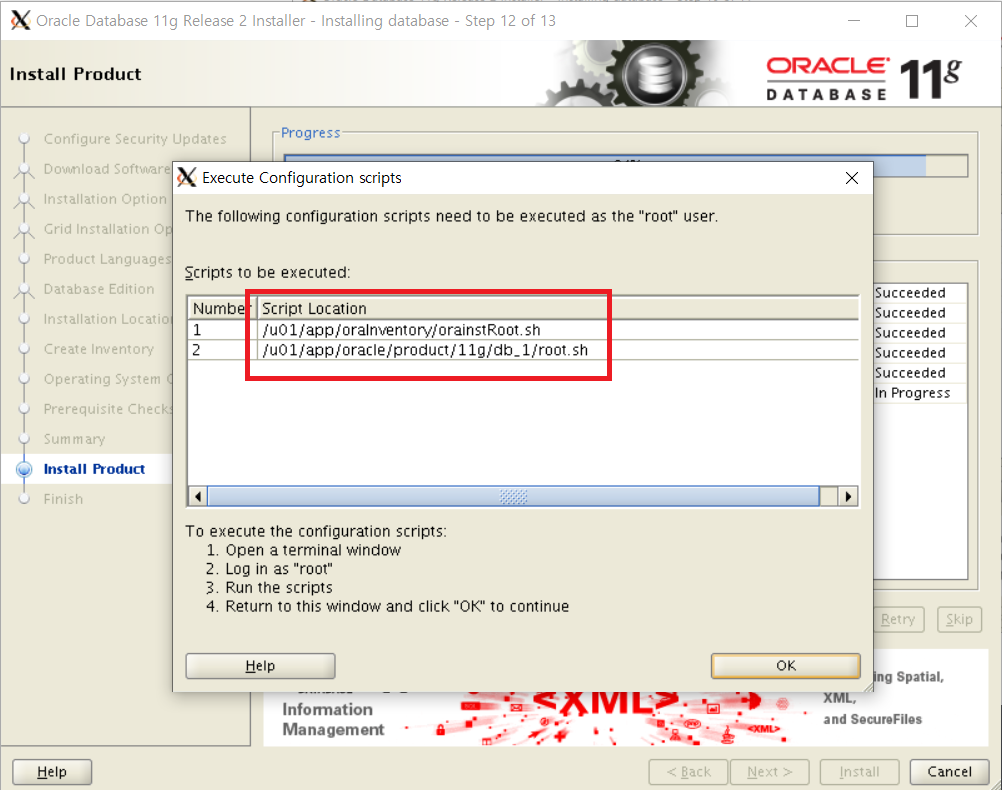
[root@host01 ~]# /u01/app/oraInventory/orainstRoot.sh
[root@host01 ~]# /u01/app/oracle/product/11g/db_1/root.sh
리스너 설치
[oracle@host01 database]$ netca


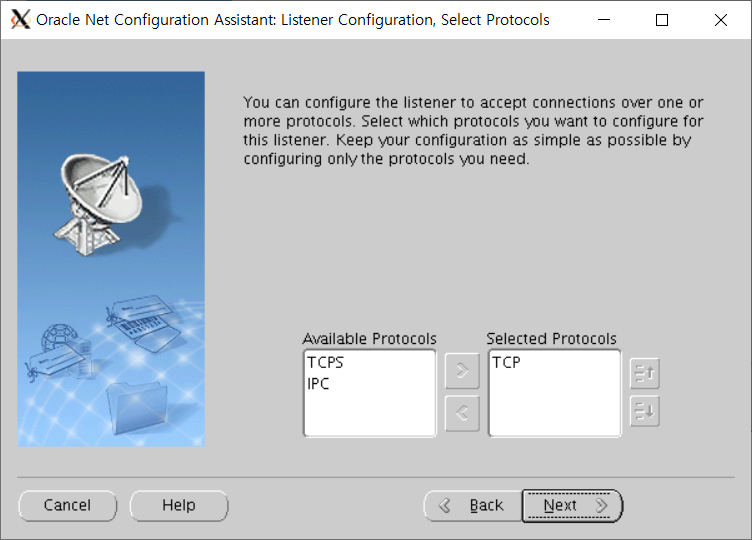


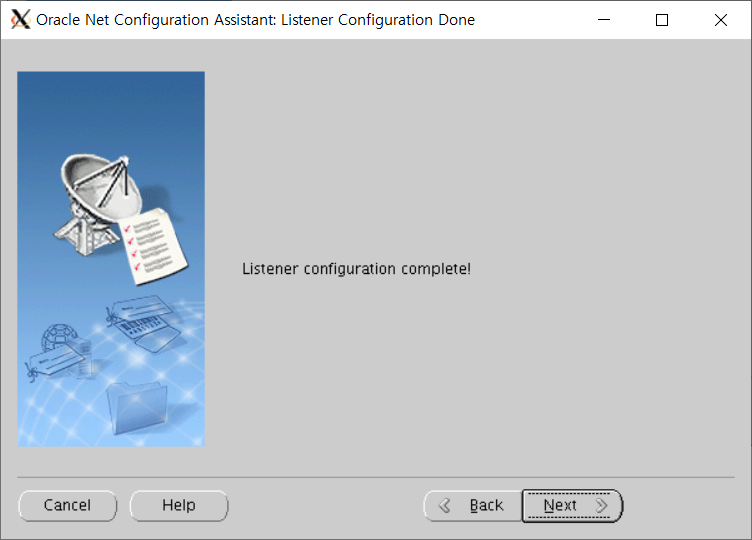
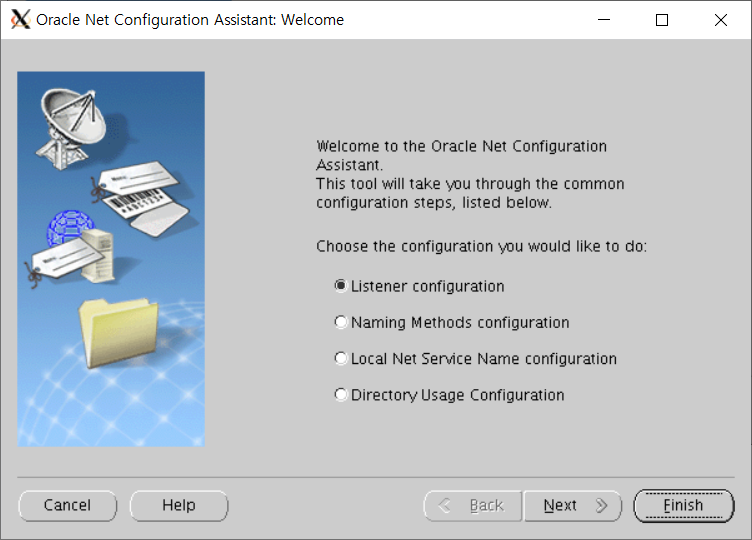
DB 설치
[oracle@host01 database]$ dbca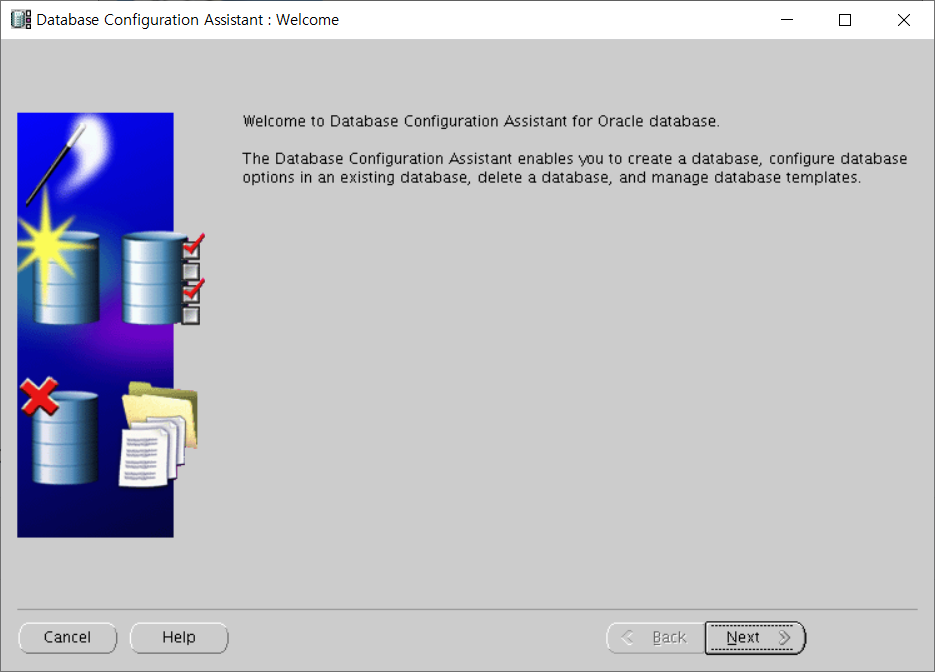
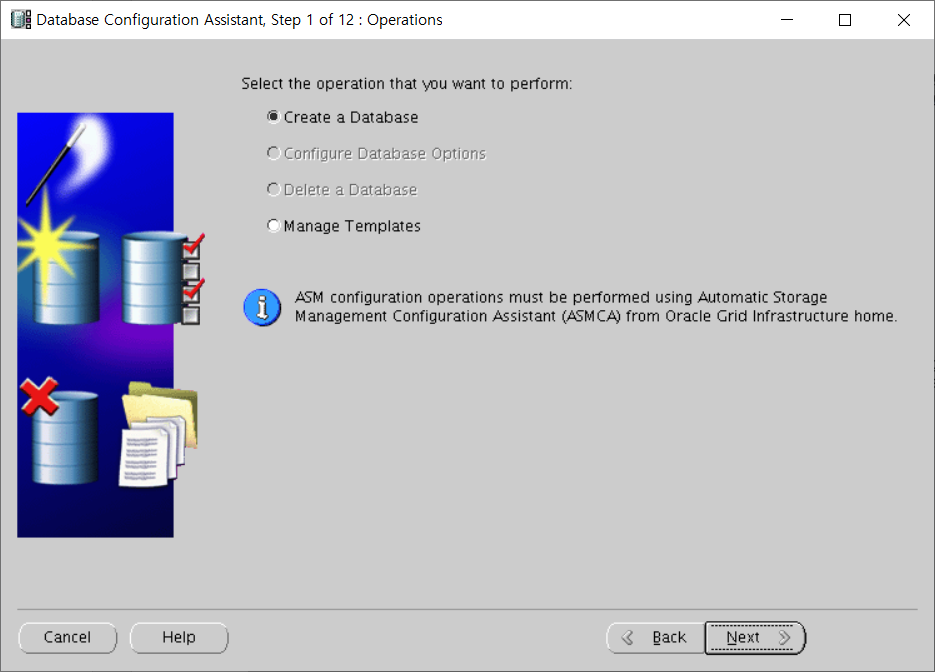


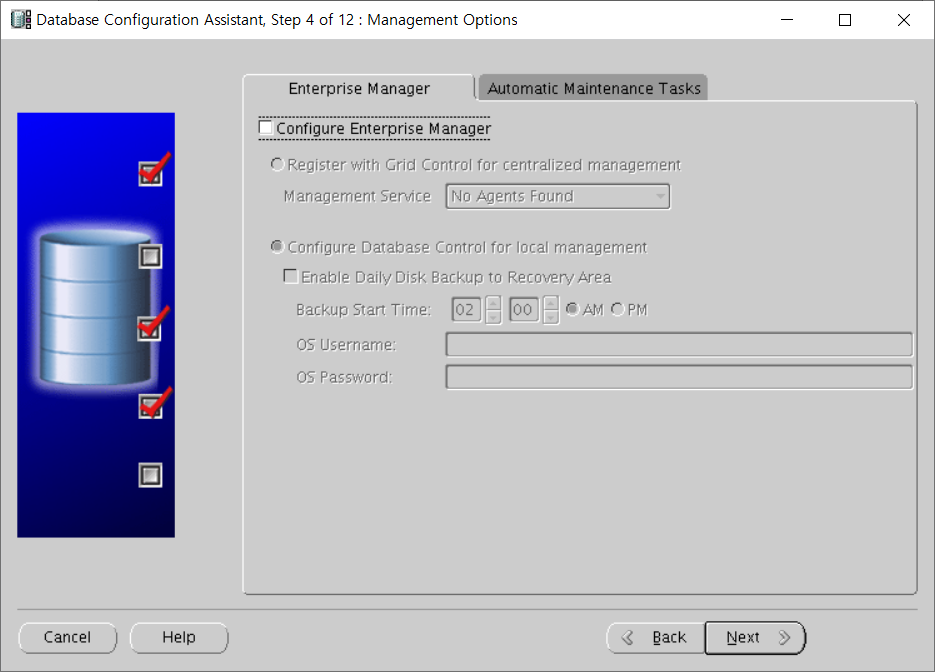


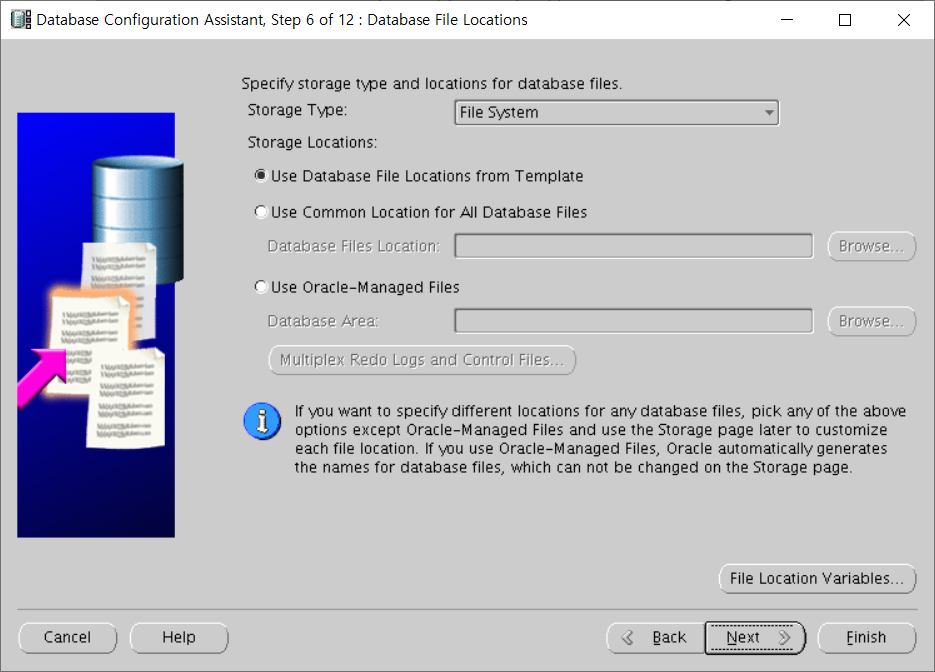

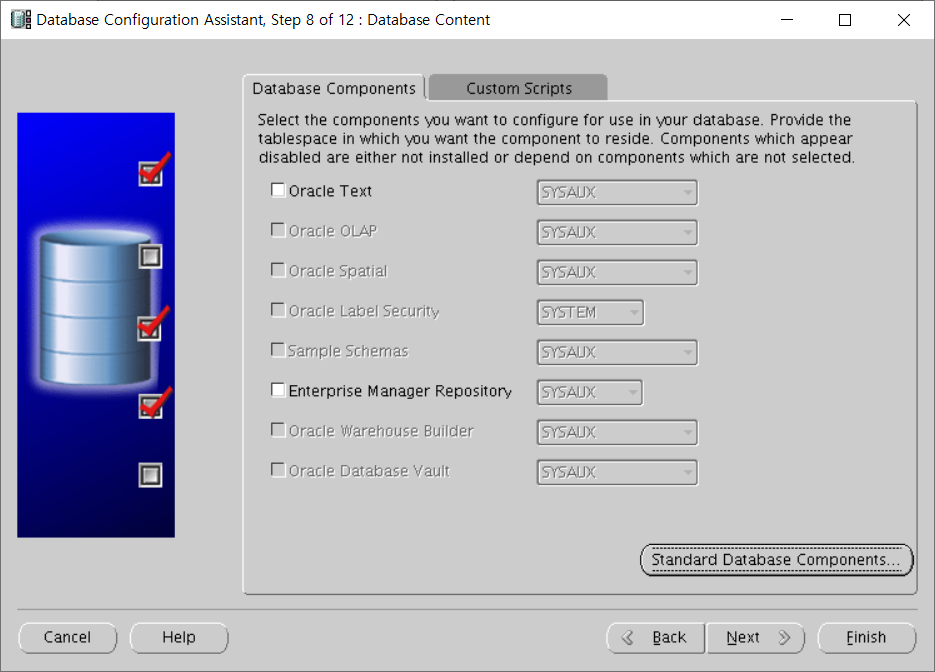

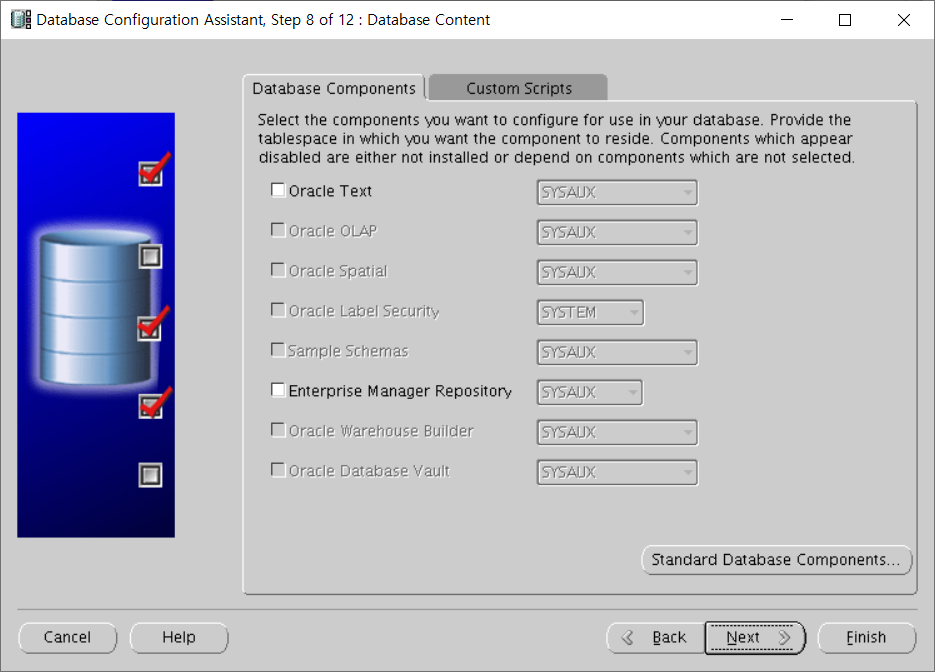
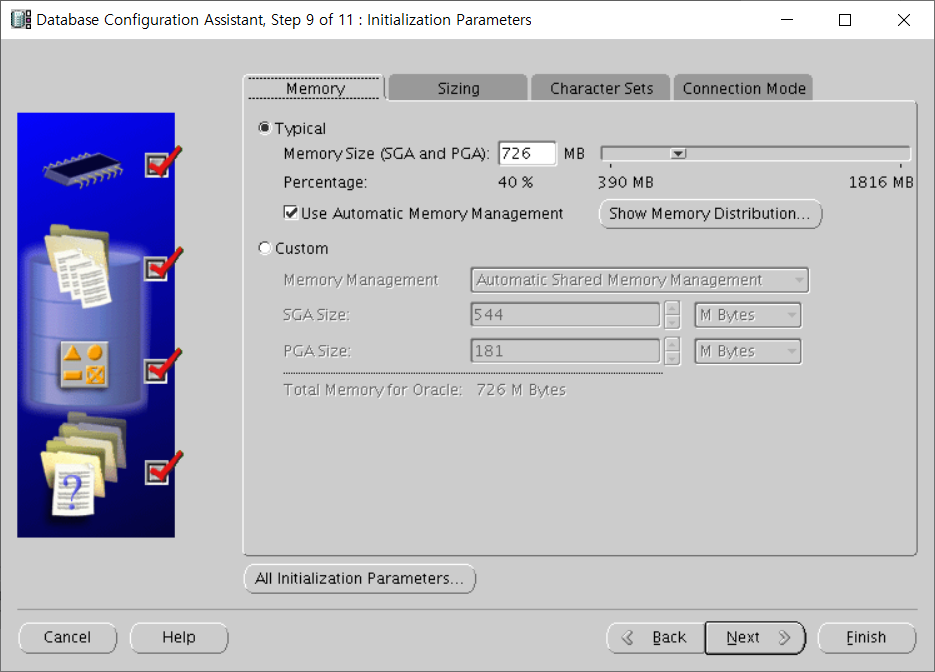


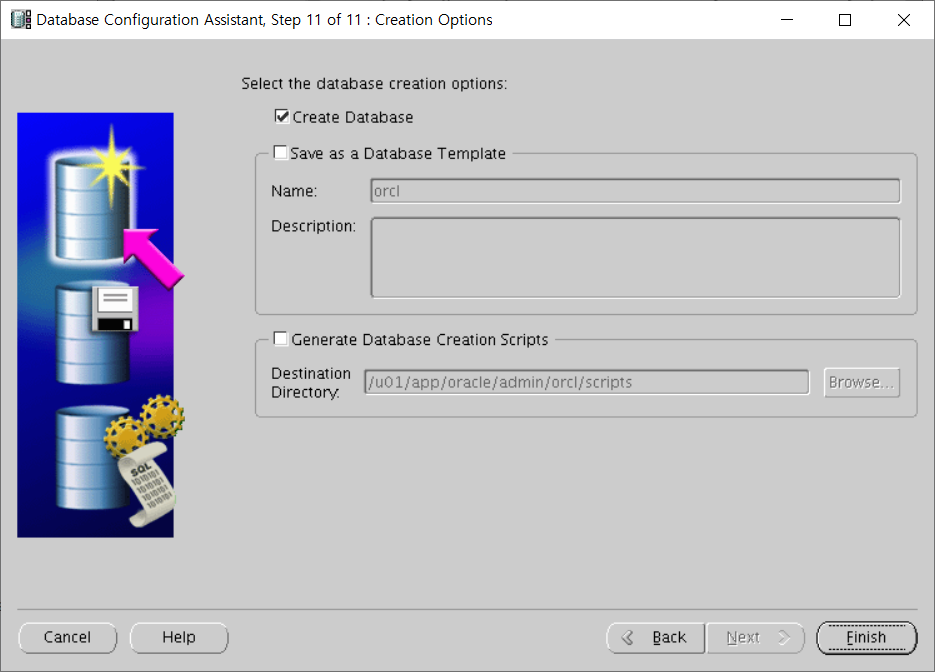
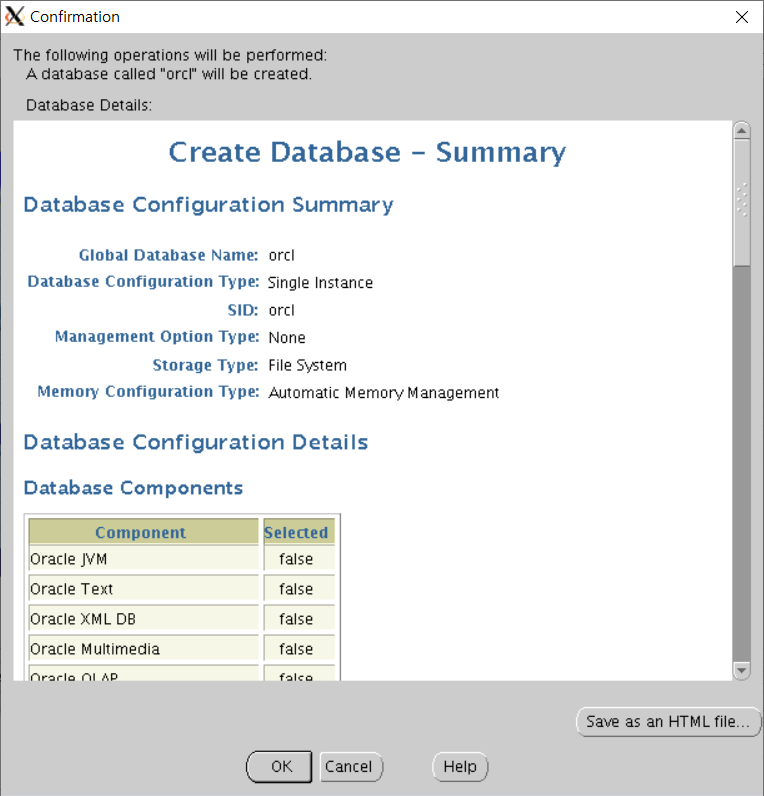

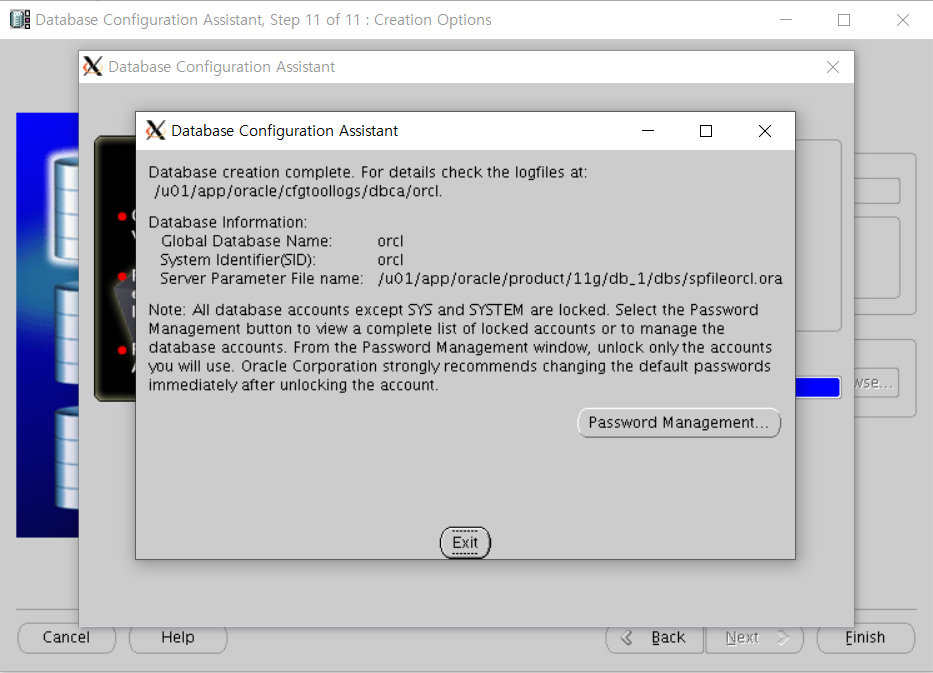
확인
# 리스너 확인
[oracle@host01 ~]$ lsnrctl status

LSNRCTL for Linux: Version 11.2.0.4.0 - Production on 24-DEC-2021 17:49:30

Copyright (c) 1991, 2013, Oracle.  All rights reserved.

Connecting to (DESCRIPTION=(ADDRESS=(PROTOCOL=TCP)(HOST=host01)(PORT=1521)))
STATUS of the LISTENER
------------------------
Alias                     LISTENER
Version                   TNSLSNR for Linux: Version 11.2.0.4.0 - Production
Start Date                24-DEC-2021 17:21:50
Uptime                    0 days 0 hr. 27 min. 39 sec
Trace Level               off
Security                  ON: Local OS Authentication
SNMP                      OFF
Listener Parameter File   /u01/app/oracle/product/11g/db_1/network/admin/listener.ora
Listener Log File         /u01/app/oracle/diag/tnslsnr/host01/listener/alert/log.xml
Listening Endpoints Summary...
  (DESCRIPTION=(ADDRESS=(PROTOCOL=tcp)(HOST=host01)(PORT=1521)))
  (DESCRIPTION=(ADDRESS=(PROTOCOL=ipc)(KEY=EXTPROC1521)))
Services Summary...
Service "orcl" has 1 instance(s).
  Instance "orcl", status READY, has 1 handler(s) for this service...
The command completed successfully


# 접속 확인
[oracle@host01 ~]$ sqlplus / as sysdba

SQL*Plus: Release 11.2.0.4.0 Production on Fri Dec 24 17:48:54 2021

Copyright (c) 1982, 2013, Oracle.  All rights reserved.


Connected to:
Oracle Database 11g Release 11.2.0.4.0 - 64bit Production

SQL>'Oracle' 카테고리의 다른 글
| [ORACLE] EXP-00091: Exporting questionable statistics. (0) | 2022.05.20 |
|---|---|
| [OGG] Oracle Golden Gate - 9i single to 11g rac (0) | 2022.05.17 |
| ORACLE 11.2.0.1에서 11.2.0.4 로 업그레이드 (11g to 11.2.0.4 Upgrade) (0) | 2021.12.22 |
| ORA-30036: unable to extend segment by 8 in undo tablespace 'UNDOTBS1' UNDO테이블스페이스 에러 (0) | 2021.11.04 |
| Oracle Archive Mode 설정 (0) | 2021.09.13 |
